



Conferences & Meetups
Help attendees connect with clear, professional name badges.
Explore Conference Badges
The easy way to design and print name badges, place cards, tent cards, QR codes and event signs.
It's quick, easy and stress-free.
Open an event from Event List, then add or import names.
Choose a layout for your paper and use Save Paper Size.
Preview designs, then choose one with Select This Design.
Adjust copies, spacing and colours, then use Save Settings.
Check your setup, test alignment, then use Generate Print PDF.

From professional conferences to personal celebrations, your printed pieces look prepared.
Help attendees connect with clear, professional name badges.
Explore Conference Badges
Create a polished first impression for guests and teams.
Explore Badges for Work & Teams
Elegant place cards and seating cards for your special day.
Explore Wedding Place Cards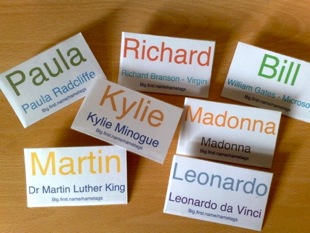
Personal badges that make everyone feel welcome.
Explore Badges for Parties & Reunions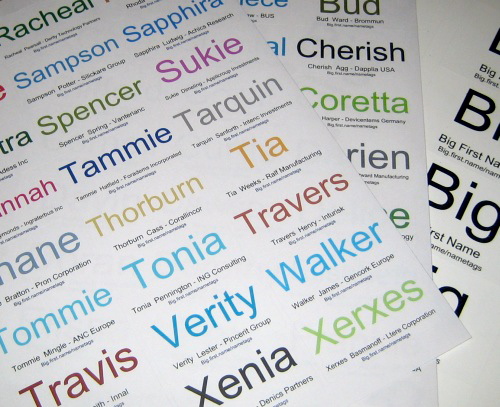
Badges, visitor labels and volunteer signs for busy days.
Explore Badges for Schools & CommunitiesUse your home, office or print-shop printer.
Simple steps used by organisers worldwide.
Big names, clear details and better conversations.
Your event data stays in your account.
Join organisers who trust Big.first.name for their events.